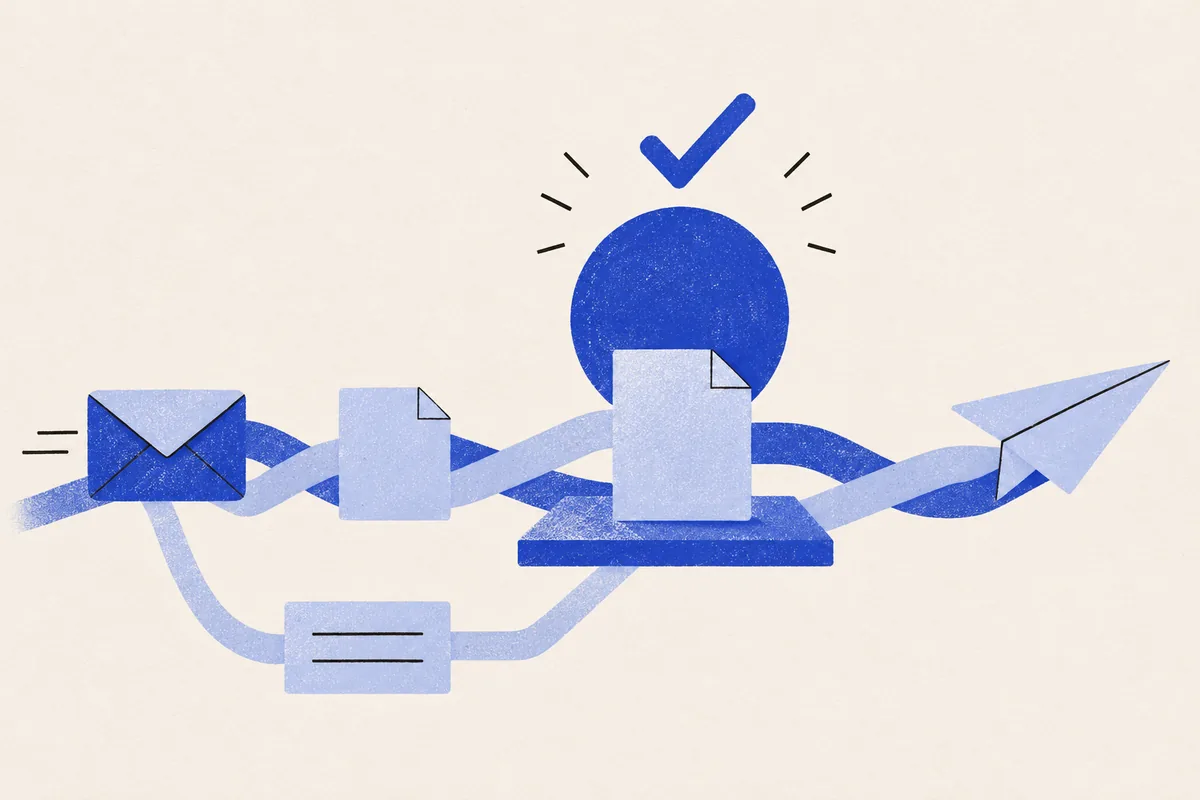
 Example: fictional firm
The new enquiry workflow
How a three-lawyer practice replies quickly to each enquiry while a lawyer approves each reply.

For small law firms
Fewer missed enquiries and less chasing, without changing how your practice runs. We automate the routine admin around your legal work. You approve anything a client sees.
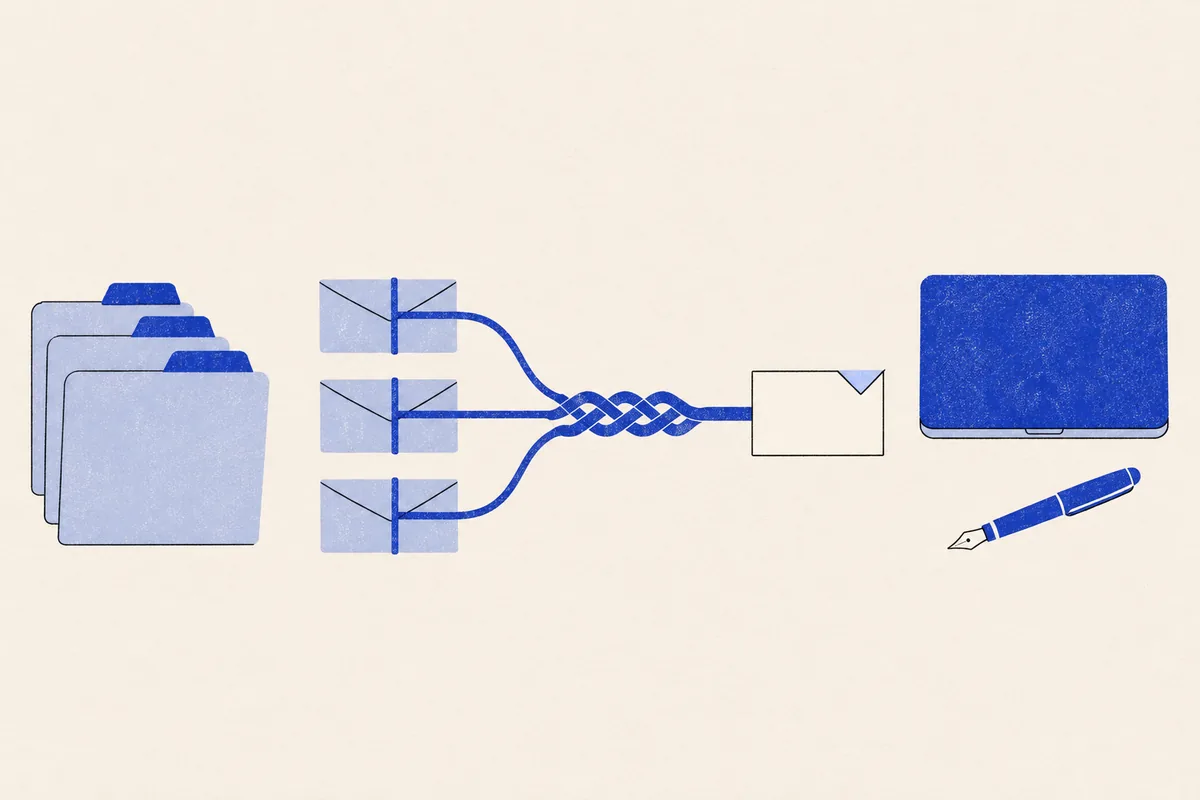
In a small practice, the same few people answer new enquiries, book consultations, send cost information, chase documents and remind clients about key dates, all between client work and court. That's where good enquiries go cold and hours disappear.
Routine admin around the legal work: first replies to new enquiries, consultation confirmations, cost disclosure drafts, day-2 follow-ups, document chasing and key-date reminders. Legal advice and decisions stay with your lawyers, and a lawyer approves anything a client sees.

A personal first reply drafted straight away for your approval, and a short summary to the right lawyer or paralegal.

Time, format, location or link, and what to bring.

Prepared from your own template for a lawyer to review and approve.

A polite check-in for people who haven't retained you yet, which stops when they reply.

Reminders for IDs, forms and signatures before deadlines.

Appointment and court-date reminders and client check-ins, so fewer things slip.
Yes. We build around the system you already use. The workflow can prepare information for your matter records and sit next to your existing intake steps, rather than replacing them.
Clio · LEAP · Actionstep · Smokeball · Outlook · Gmail · spreadsheets
Product names belong to their owners. We're independent and not affiliated.
Example: fictional firmHow a three-lawyer practice replies quickly to each enquiry while a lawyer approves each reply.
More examples: the document chasing workflow and the consultation-to-follow-up workflow.
That's your choice. Messages go out in your firm's wording and are approved by your team. Some firms choose to mention that they use software to reply faster. We can help you word it if you would like to.
Yes. We build around the system you use. If you don't use practice software, it works with email and spreadsheets too.
We focus on admin around the legal work: replies, confirmations, reminders and drafts of your standard templates for review. Legal advice and legal drafting stay with your lawyers.
We keep client information to what each workflow needs, explain where it's stored before we build, and use redacted or fictional data for examples and testing.
Yes, if they spend time on repetitive replies and chasing. The workflow makes their work quicker and easier to check. It sits alongside them, not in place of them.
Take the workflow check, or book a 20-minute call. We'll pick one workflow and send you a one-page plan. Take the workflow check →
Take the 3-minute workflow check and get a short, practical read on what's worth automating first.