
The consultation-to-follow-up workflow
- The firm (fictional)
- A small practice handling visa and residency matters.
- The problem
- Consultations went well, but many people went quiet afterwards and no one had time to follow up.
How the workflow runs
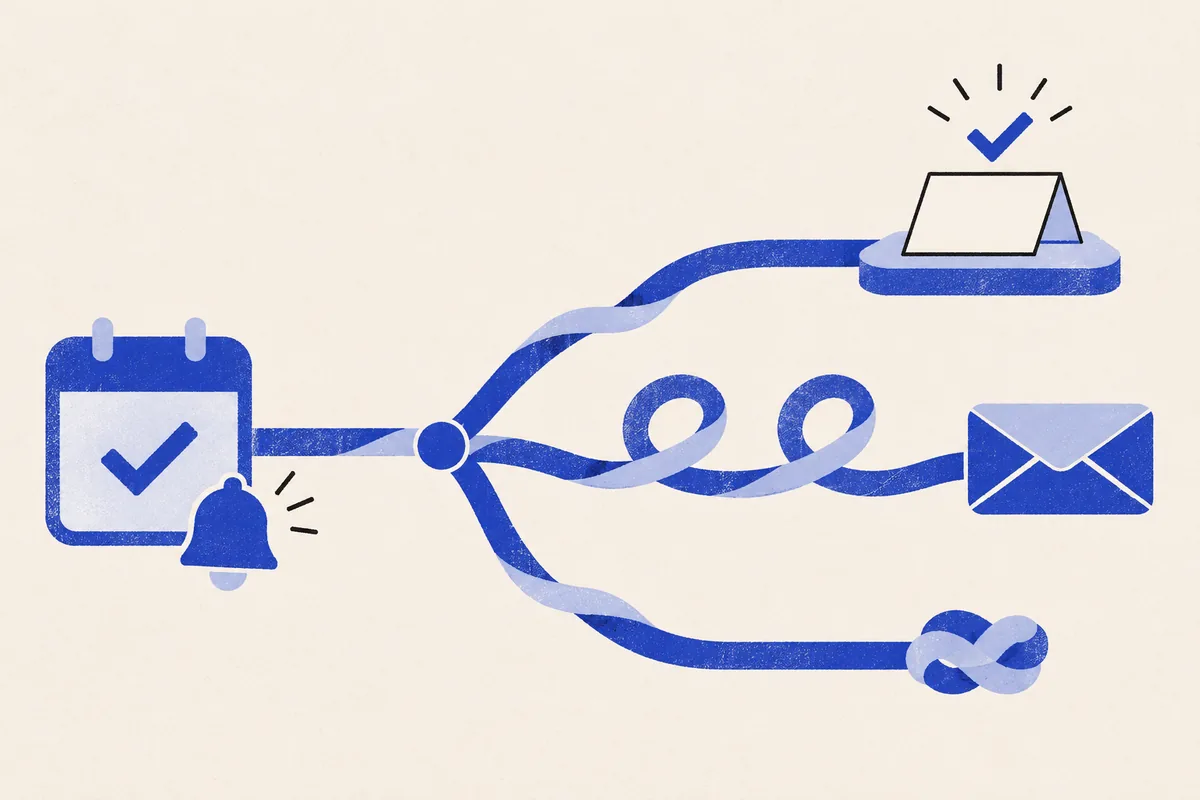
After booking, the client gets a confirmation and a reminder the day before. After the consultation, the lawyer picks an outcome, and the workflow drafts the cost letter or day-2 and day-7 check-ins, each approved by the lawyer before sending.
- After booking, a confirmation goes out with time, format and what to bring.
- A reminder goes out the day before.
- After the consultation, the lawyer picks an outcome: "sent cost letter", "needs time", or "not proceeding".
- Your team approves
For "sent cost letter", the letter is drafted from the firm's template for the lawyer to approve.
- For "needs time", a gentle check-in is drafted for day 2 and day 7, each approved before sending, and stopping when they reply.
What's automated, and what stays human
Automated
- Confirmations
- Reminders
- Drafts
- Timing
Stays human
- The consultation
- The advice
- The outcome choice
- Every approval
What it could change
More people hear back at the right moment, and the lawyer spends minutes, not evenings, on follow-up.
Want this shaped around your firm?
Take the workflow checkOther examples: the new enquiry workflow · the document chasing workflow · workflows for small law firms · how we work with your team
By the Make & Loop team · Last updated
Where is your team losing time?
Take the 3-minute workflow check and get a short, practical read on what's worth automating first.