
The document chasing workflow
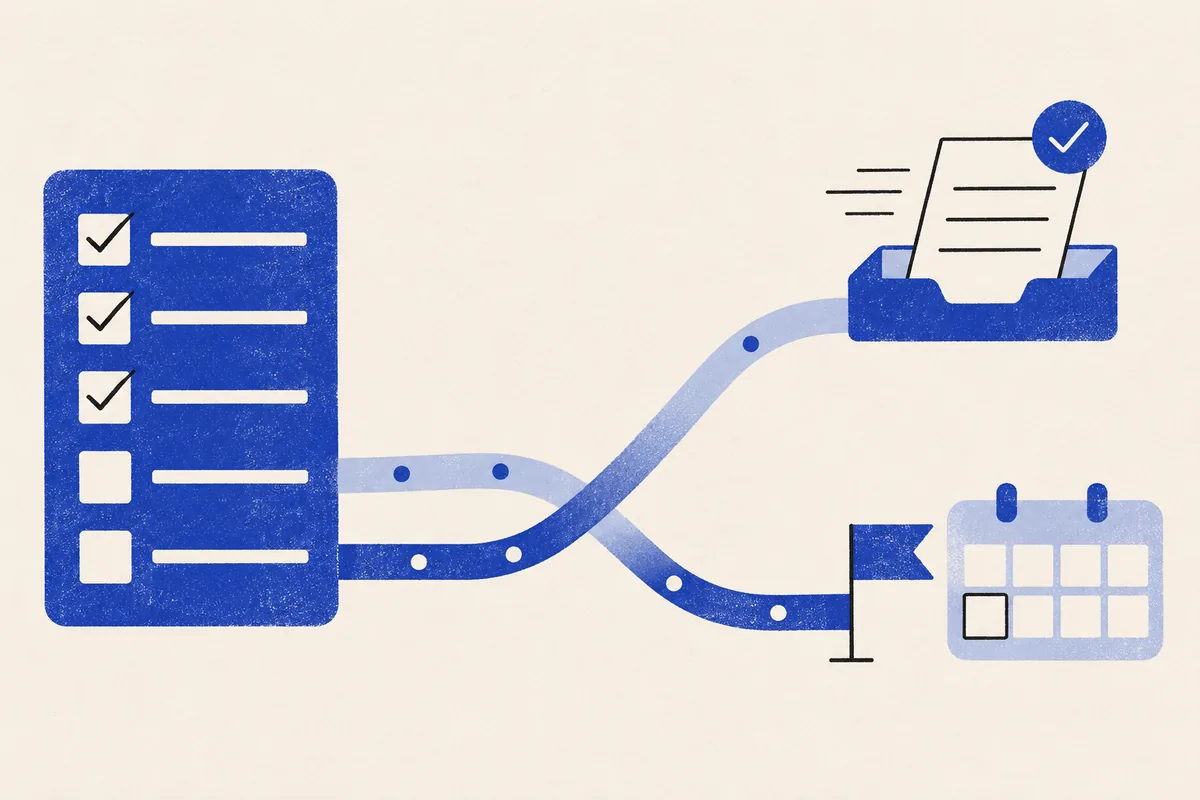
- The firm (fictional)
- A two-lawyer wills and estates practice.
- The problem
- Signing meetings slipped because IDs, forms and signed letters arrived late, after several manual reminders.
How the workflow runs
When a matter opens, the client gets a clear list of the documents needed and by when. Reminders follow at set points in a pattern staff approve, stop as each item arrives, and anything still missing 3 days before the meeting goes to the lawyer.
- When a matter is opened, the list of needed documents is set from the firm's checklist.
- The client gets a clear request: what's needed, why, and by when.
- Your team approves
Friendly reminders are drafted at set points before the deadline. Staff approve the first one, and the rest follow the pattern they approved.
- When something arrives, it's ticked off and the reminders for it stop.
- Anything still missing 3 days before the meeting is flagged to the lawyer for a personal call.
What's automated, and what stays human
Automated
- The checklist
- The reminder timing
- The tick-off
- The flag
Stays human
- The checklist itself
- The personal call
- Any change to the matter
What it could change
Fewer rescheduled meetings and no more keeping track of who's been asked for what.
Want this shaped around your firm?
Take the workflow checkOther examples: the new enquiry workflow · the consultation-to-follow-up workflow · workflows for small law firms · how we work with your team
By the Make & Loop team · Last updated
Where is your team losing time?
Take the 3-minute workflow check and get a short, practical read on what's worth automating first.